
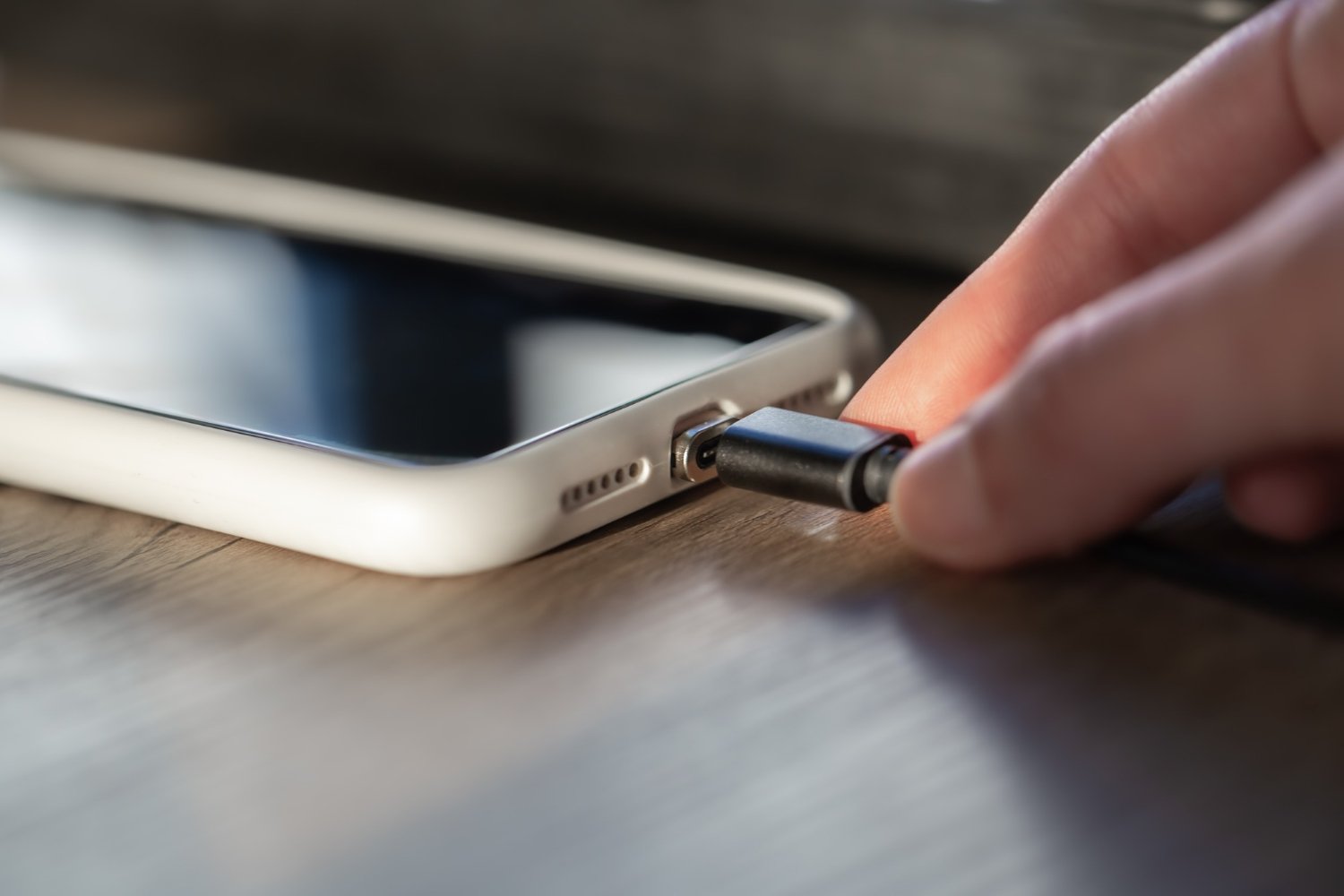
If you’ve ever noticed that your phone is Charging Slowly every time you plug it in, you’ll be pleased to know that it’ll usually be an obvious issue to fix. Below are 8 common reasons why your phone Charging Slowly.
1. Cable Damage
Frequent bending and pulling can cause damage to the delicate wires inside your charging cable. Often, a cheap unbranded cable can cause your slow phone charging,. Try swapping for an original or branded certified cable.
2. Low Powered Charger
Older chargers like a 5W block or a laptop USB can cause your phone to charge slowly. Ensure you’re using a charger that meets your phone’s charging requirements, for example if your phone uses USB Power Delivery or Qualcomm Quick Charge.
3. Dirty Port
One of the most common reasons phone charging port problems causing your phone to charge slowly. Over time lint from your pockets will get caught in your charging port. Turn your phone off, shine a light into the port and gently clean out any dirt using a wooden toothpick or soft brush. Don’t use anything metallic as it can damage the pins.
4. Using whilst Charging
Using your phone whilst charging, such as streaming videos, gaming or GPS will cause your phone to charge slowly. If you need to quickly top up your phone, put it down or turn on airplane mode.
5. Apps Using Power
There may be apps running in the background whilst your phone is charging. These could be updating or keeping track of your location. Go into battery settings and see which apps are using the most power. Close them down or limit their usage. Turning off background refresh for rarely used apps can help.
6. Overheating
If your phone gets too hot whilst charging, it will slow down the charging process. This can happen if you’re charging your phone underneath a pillow, in direct sunlight or in a thick case. Take the case off and charge your phone on a firm cool surface.
7. Software Issues
Sometimes software bugs can affect how your phone manages its power. This can cause a variety of issues with charging. First try restarting your phone. If this doesn’t work ensure you’re using the latest updates. Manufacturers often provide regular patches which can improve your phone’s battery and charging.
8. Old Battery
Lithium ion batteries will lose power over time. After using your phone for 2-3years you may notice that it’s taking longer to charge or draining quicker than usual. Most phones have a battery health option in settings. If it’s below 80% capacity then it’s likely that the best option is to replace your battery.
When To See A Professional
If you’ve tried using a new cable and charger, cleaned your port and updated your software and still have issues then there could be an issue with the inside of your phone. If your port is loose or rusty, charging chip faulty or there’s water damage then you’ll need a professional to fix it. Usually getting your charging port fixed by a professional will be a quick and cheap fix. Ensure you go to an authorised service centre or reputable repair shop to ensure genuine parts are used.
Top Tips
- Use original or certified accessories.
- Clean your port every few months.
- Don’t use your phone heavily
- Ensure your phone stays cool.
- Update your software.
Final Thoughts
Most of the time a slow charging phone won’t mean your phone is broken. Simply changing your cable, cleaning your port or updating your software will sort the issue. Go through the reasons above one by one and you should be able to identify the issue within minutes. If none of these help then a trusted technician can help to identify the issue.