
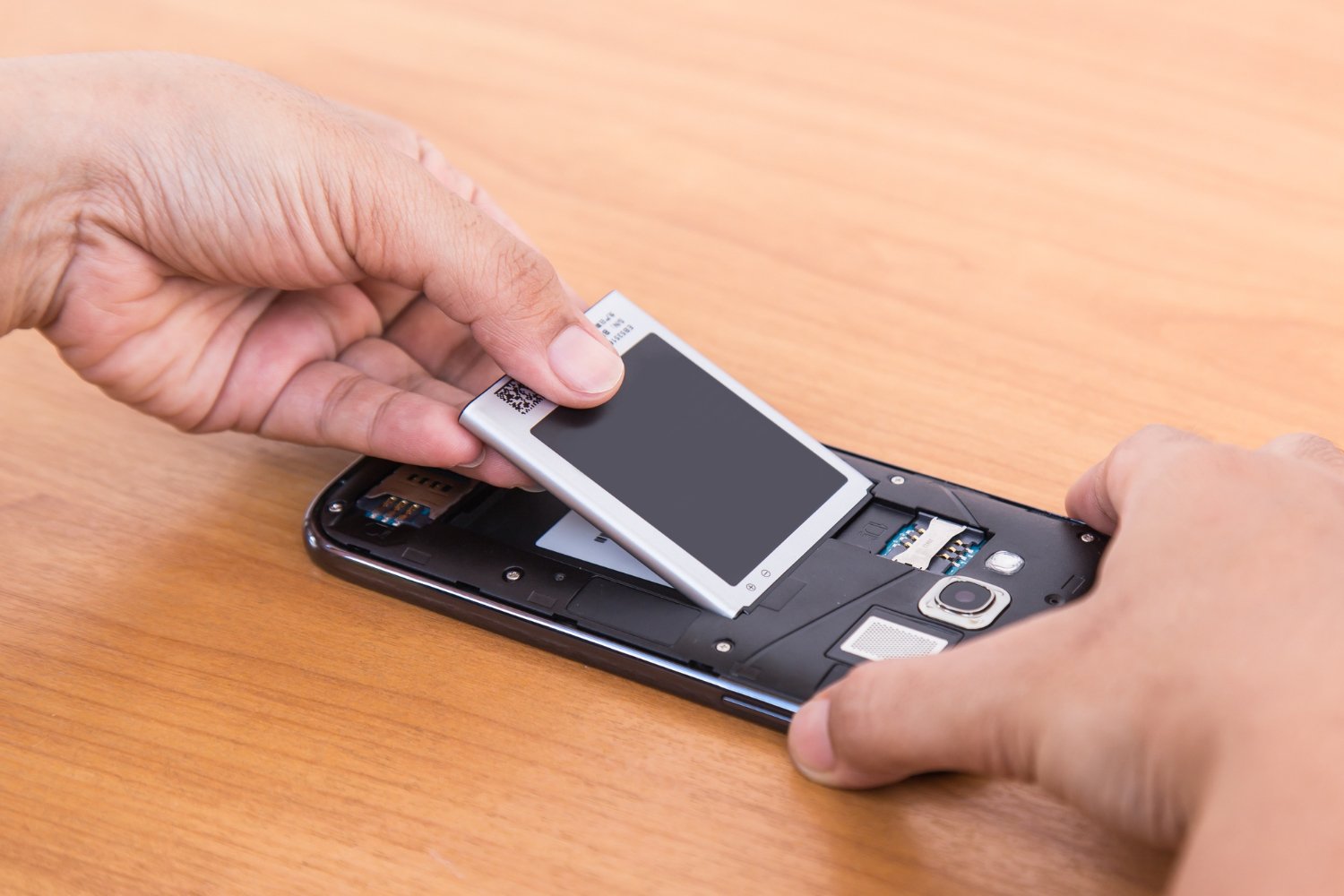
Having an iPhone battery on its last leg can be super frustrating. It’s a gamble to see if you’ll be able to send and receive texts as it starts draining more and more throughout the day. One of the worse feelings is having your iPhone battery drain so fast that you have to ration how long you can use your screen throughout the day. There are several other ways to tell if your battery is about to die and here are 7 of the biggest tell-tale signs.
1. iPhone Battery Draining Fast while Using Less
Remember the good ol’ days where you could charge your iPhone during the day, use it all day, and still have battery left at the end of the day? Those days are long gone. Now if your iPhone battery draining fast throughout the day, that means you should probably get your battery checked. However, before you get your battery checked there are several things you can do to fix the issue. Check to see which apps are using the most battery and see if there is an overall way that you can conserve battery by dimming the screen and disabling background apps.
2. iPhone Health Percentage is below 80%
The easiest way to check the health of your iPhone battery is to go to settings, battery, iPhone battery health, and see what your max capacity is. If your max capacity is below 80% that means your battery is on its last leg and you should get it replaced.
These are the main reasons people replace their batteries.
3. It Shuts Off Out of Nowhere
Imagine you are scrolling through your phone and it suddenly turns off. It happens when the battery can’t provide consistent power. It happens more on colder days. It is extremely inconvenient when it happens when you are trying to get to somewhere new or when you are waiting for an important call.
4. Your Phone Has Gone Slow
When your phone takes a long time to open apps, people assume it is a hardware problem. In reality, it could be software problems slowing things down. In fact, if your phone is powered by a fully functioning battery, your phone will be significantly faster and smoother. A lot of people are surprised with how much faster their iPhones are after a battery replacement.
5. It Is Getting Hot
People normally aren’t concerned when their phones get a little warm while charging or while they are playing games. It is concerning if your phone gets warm while it is idle or when it is just sitting on a table. Like a hot battery is bad for the overall health of the phone
6. The Percentage Indicator is Unreliable
A battery is considered dead when it hits 0%. A battery should report it’s charge accurately, otherwise there is no point of having a percentage indicator. A watch that is always late by 1 hour is no good to anyone.
7. Anything Looks Puffy or Bulging
This could be a safety concern. If the edge of the screen is lifting, if the back of the phone looks bulged, or if the phone won’t lie flat on the table, stop charging it and bring it in to have it repaired immediately. Cell phone batteries can expand and can possibly explode. You should not push it in if it expands.
So, What’s the Move?
Replacing the battery of your iPhone can extend the life of your phone for less than the cost of buying a new phone and it can reduce electronic waste.
If you need to replace the battery of your iPhone, iPhone battery replacement Canberrathat can do this for you. Make sure to pick a location that uses quality parts, offers a warranty and has a knowledgeable staff. A staff member can explain your options before trying to sell you a new phone and can help you schedule an appointment.
And if your phone has recently come in contact with water, ask for a full diagnostic. An honest technician will tell you what (if any) repairs are necessary.
Don’t Wait Until It Quits
It’s a gamble to put off battery repair. You’re looking at potential safety issues and the risk of permanent damage to your device. Think about how your battery has recently behaved. Is it shutting down at random? Is it slow and sluggish? Time is of the essence. A new battery can have your phone working like new again.