
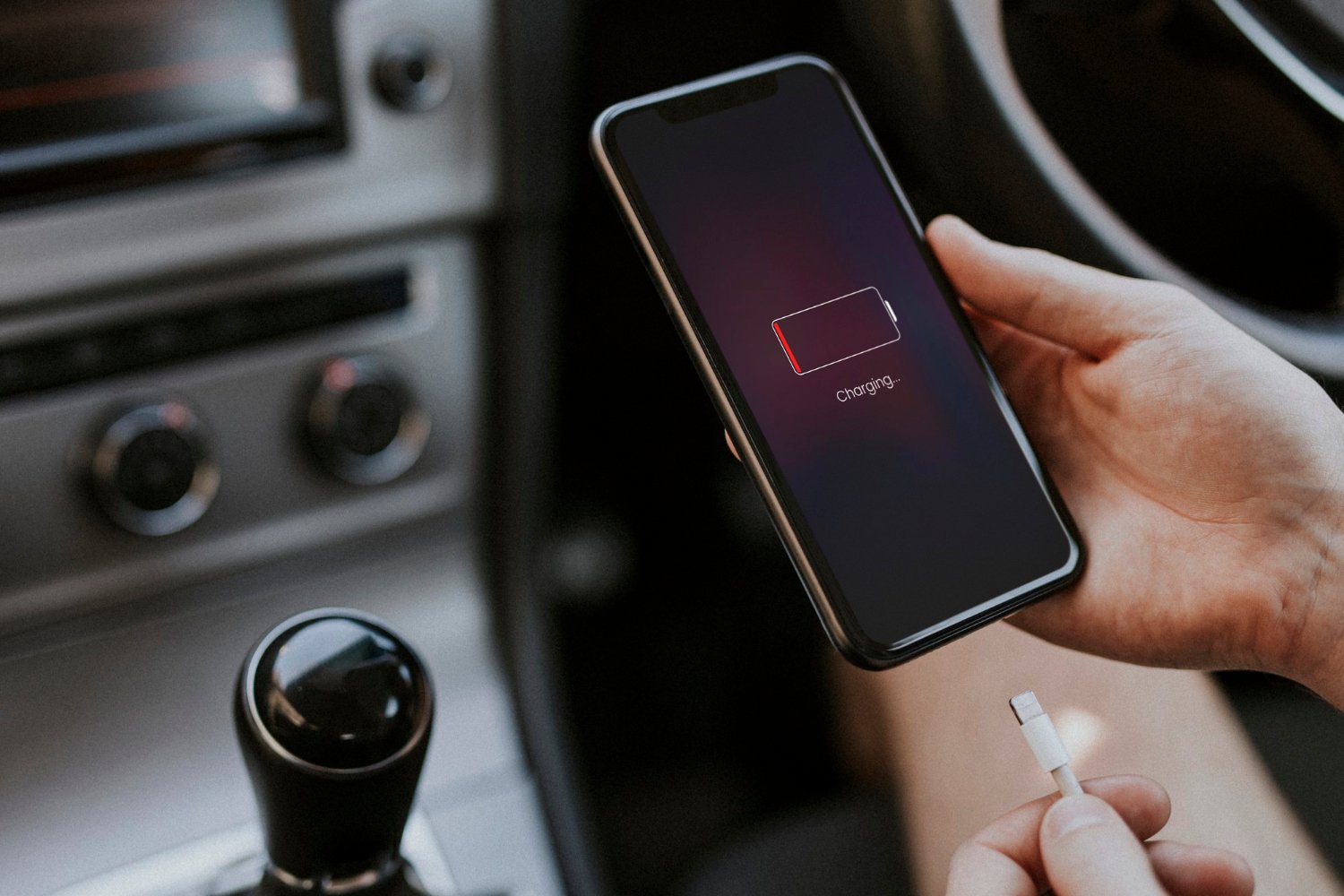
We have all experienced the frustration of waking up to find our phone at 6% after plugging it in to charge for the night. Sometimes, as we have all no doubt experienced, a phone requires a particular angle of the charging cable in order to charge. If you find yourself experiencing these issues, it’s important to know that the issue is relatively common and not particular to your phone. It is also good to know that, while the situation may be very frustrating, the solution is probably less complicated and potentially less expensive than you may expect.
Start With the Simple Stuff
There are some simple things you can check before calling and paying a company to repair your phone. Make sure you are not using a faulty power outlet by plugging in another device to check if it charges. Try using a different charging cable and wall adapter. It is also good practice to completely restart your phone before attempting more invasive measures.
Dirt and Lint Inside the Port
An often unconsidered and unnoticed culprit in charging issues is build up in the charging port. Given the nature of where phones are kept, i.e. pockets, purses, and other things that may collect lint and dust, it is very possible that your phone’s charging port has build up that may prevent a full and secure connection with the charging cable. It is recommended that this build up be cleaned by an experienced professional in phone repairs.
Turn your phone off and avoid using metal pins or needles. The contacts can be easily short-circuited. Gently scratch out the gunk with a toothpick or a soft brush. You can usually tell when contacts are dirty because the phone won’t charge. With the right technique, a lot of crud can come out.
Charging Port Damage
Ports can wear out from constant use. With the coronavirus lockdown, and the fact that many of us work from home, we probably charged our phones a lot less in the last year than in the previous few. If your port is worn, your cable might not stay in the port snugly and may rattle around. Your phone may charge intermittently or not at all. Sometimes it may even charge only if the cable is positioned in a certain way.
Ports can wear out on charging cables of all kinds. However, with the release of USB type C charging ports, the internal connections can be broken and damaged much more easily. This typically occurs when the connector is plugged and unplugged a lot, especially if it’s forced or yanked. A loose connection or a break in the solder joint can cause your phone to stop charging. It can be a good idea to have a professional take a look and take care of it for you.
Software Can Cause Issues Too
Of course, the problem could be with the software. Bugs can develop after an update, apps can become unruly, and settings can become corrupted, all of which can result in a phone being unable to recognize a charger. If your phone is showing the charging icon but isn’t actually charging, then it’s time to look into the software. As a final note, always make sure your personal information is backed up, and consider performing a factory data reset as a last resort.
Battery Issues
If your phone ports and cables are all good, and it is still failing to charge, the issue could be with the battery itself. Older batteries can become bad and no longer hold a charge or fully drain the battery and cause the phone to shut off. If your phone is older, it could be a good idea to replace the battery.
Moisture Issues
The port can become clogged with moisture, but that isn’t always the case. Many new phones can detect moisture and will disable the charging port to prevent electrocution. If this happens, do not charge the phone. Leave it in a dry, open area. If moisture damage is suspected, contact an authorized service center.
When to get Professional Help
You have cleaned the charging port, tried multiple charging cables, and performed resets on your phone, but are still unsuccessful. This is the time to reach out for professional help as this will save you time and avoid making more frustrating phone repairs. When seeking phone repair services in Canberra, you should choose a repair shop that tests your phone first, explains the repairs and the fault in your phone in simple terms, and provides a warranty for their repairs. Replacing a charging port is one of the easy phone repairs and can be completed the same day.
Also, do not assume the charging port is damaged beyond repair and you need to buy a new phone. A phone repair shop can assess your phone and determine if it is worth repairing.
Prevent It From Happening Again
A few small habits go a long way:
- Don’t yank the cable out by the cord. Hold the plug.
- Clean your port every few months.
- Use quality chargers rather than the cheapest option at the servo.
- Avoid charging in damp places like bathrooms.
- Keep your phone in a pocket or case that doesn’t collect lint.
Final Thoughts
If your phone is not charging, this does not mean that your phone has a serious fault. Try some simple solutions first and if you are not comfortable opening your phone, you should contact a professional phone repair shop.